 BitflingerTV
Every service you pay for.
One set of rows.
I got tired of opening a stack of apps just to figure out what to watch, so I built Bitflinger TV. Everything you pay for sits in one set of rows, with no ads and nothing anyone paid to put there.
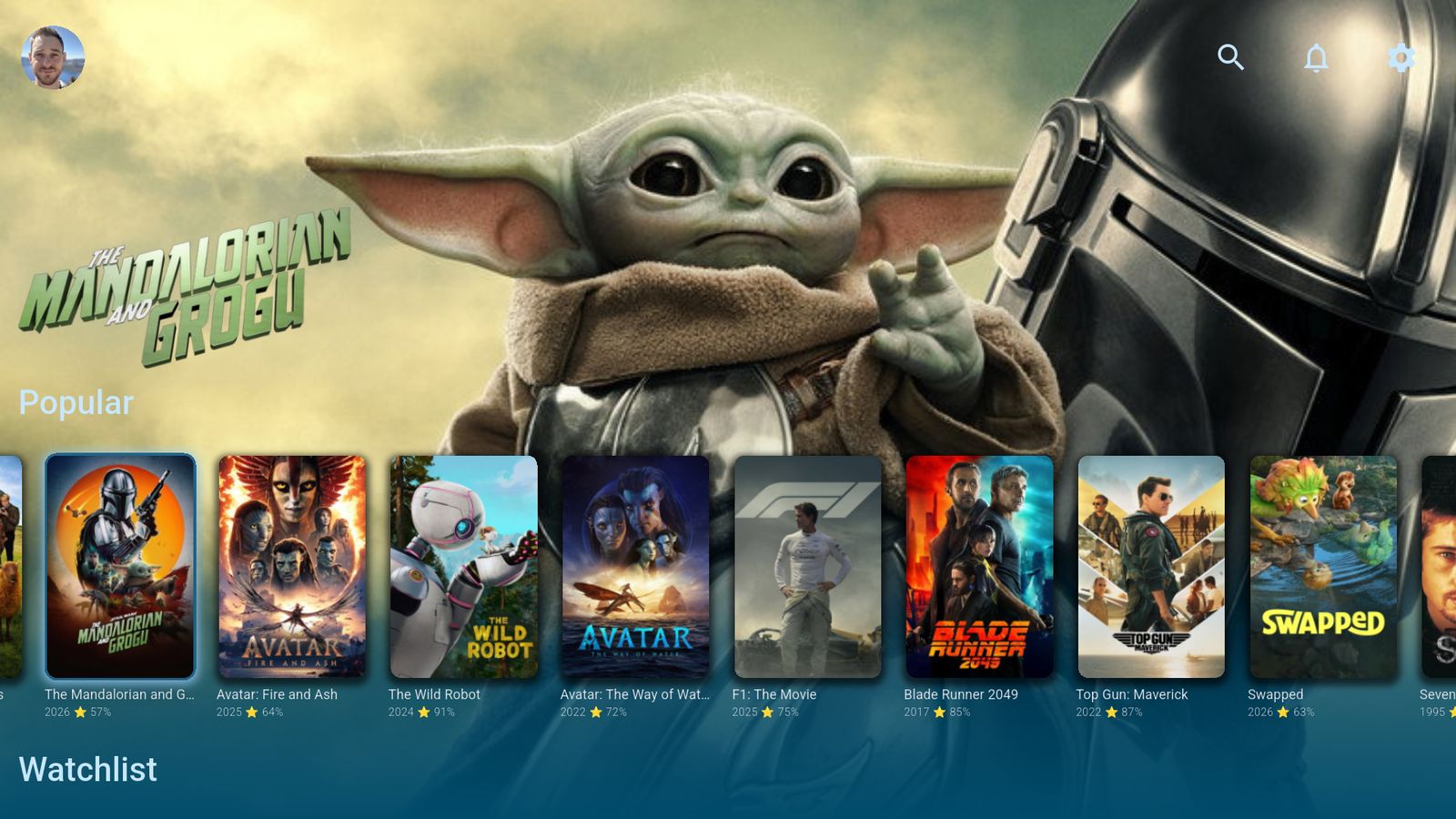
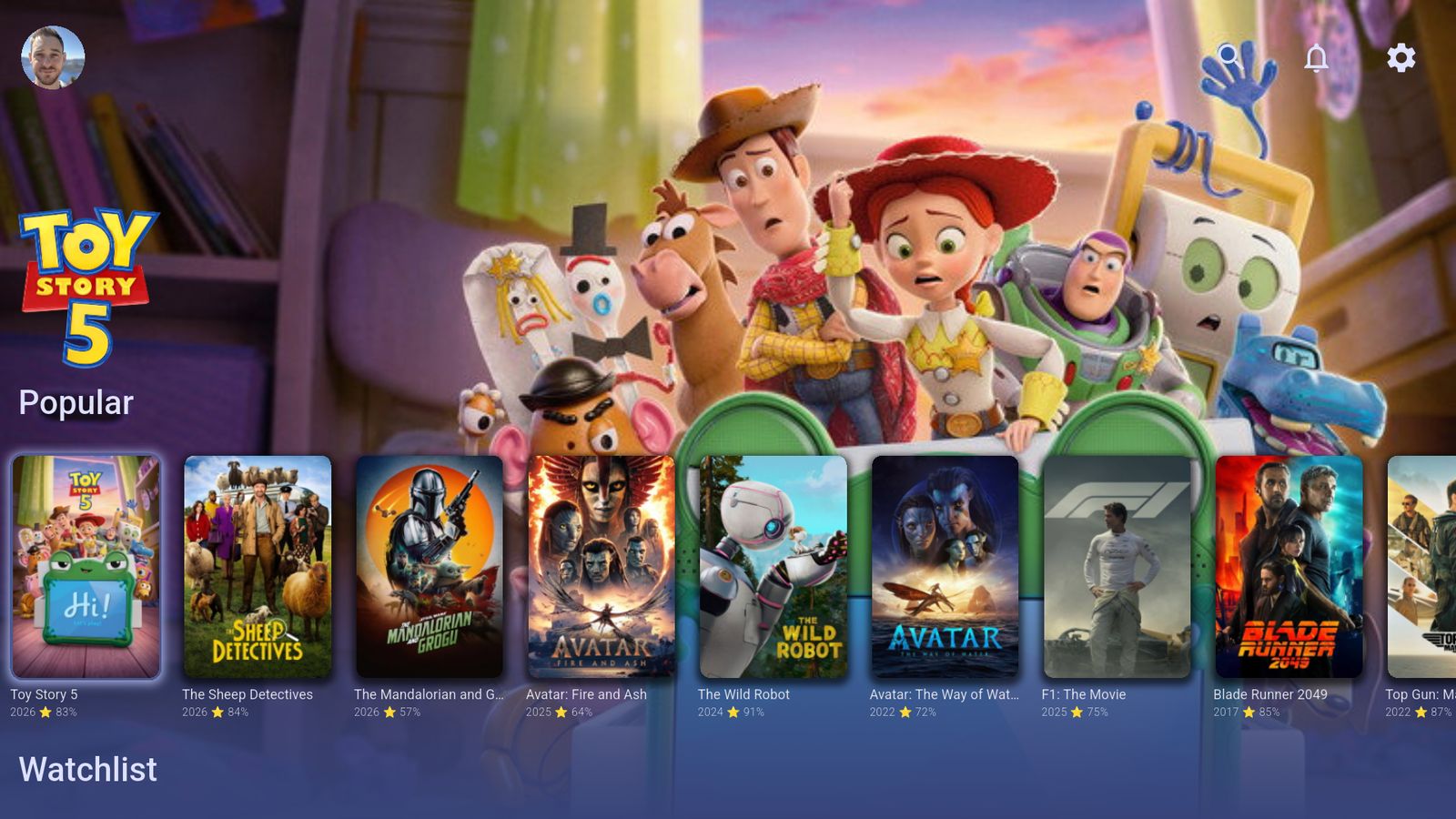
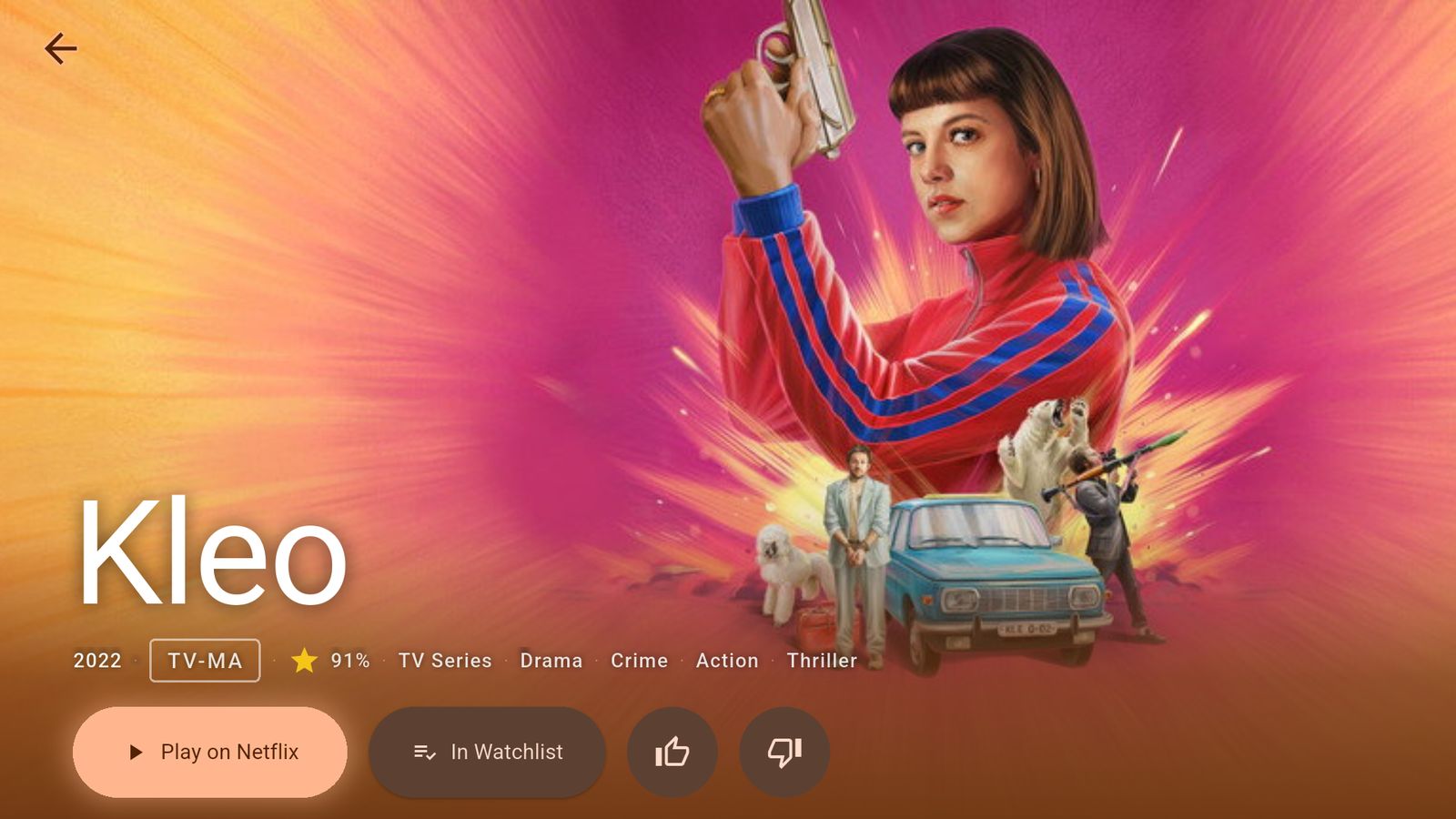
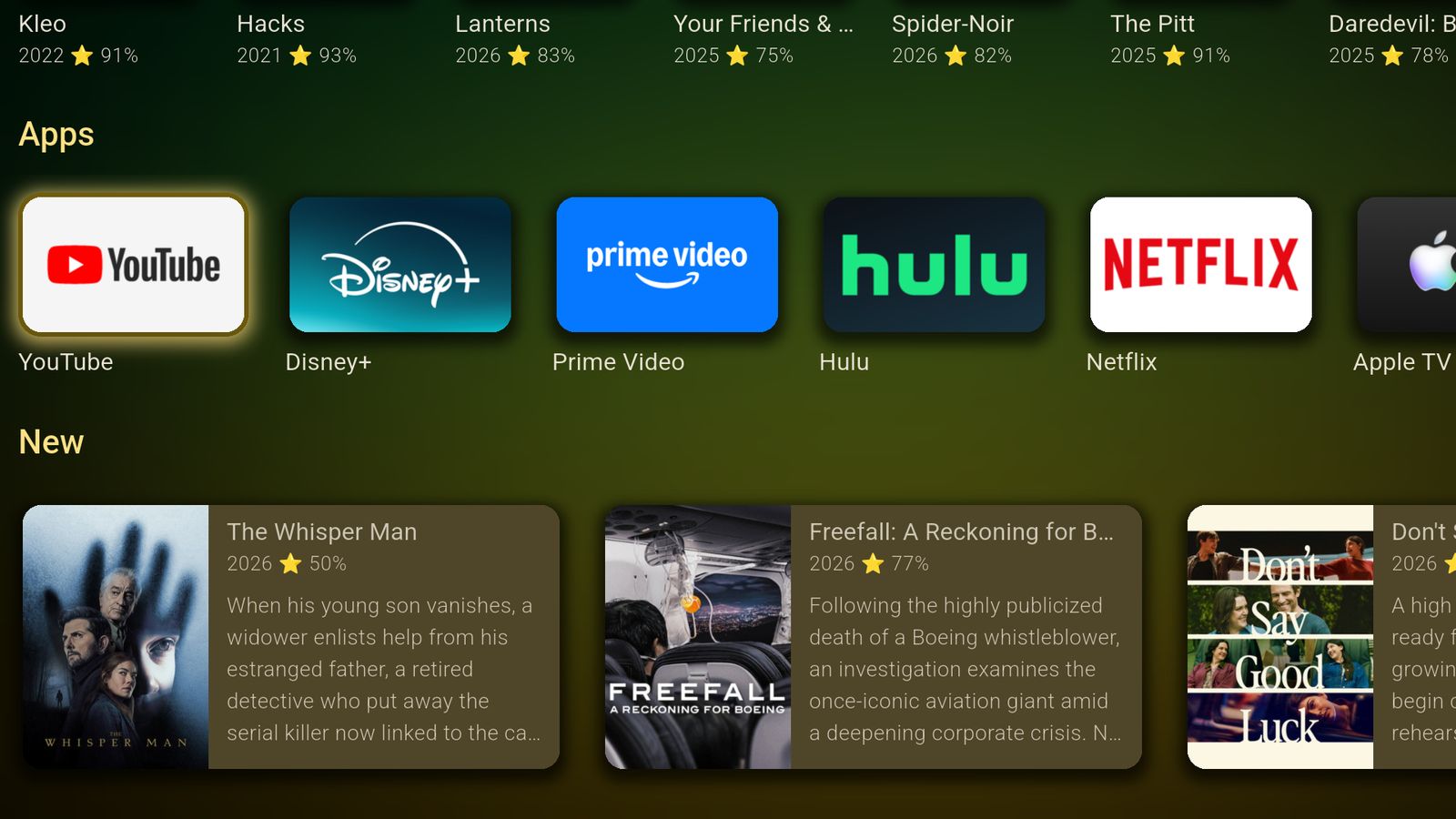
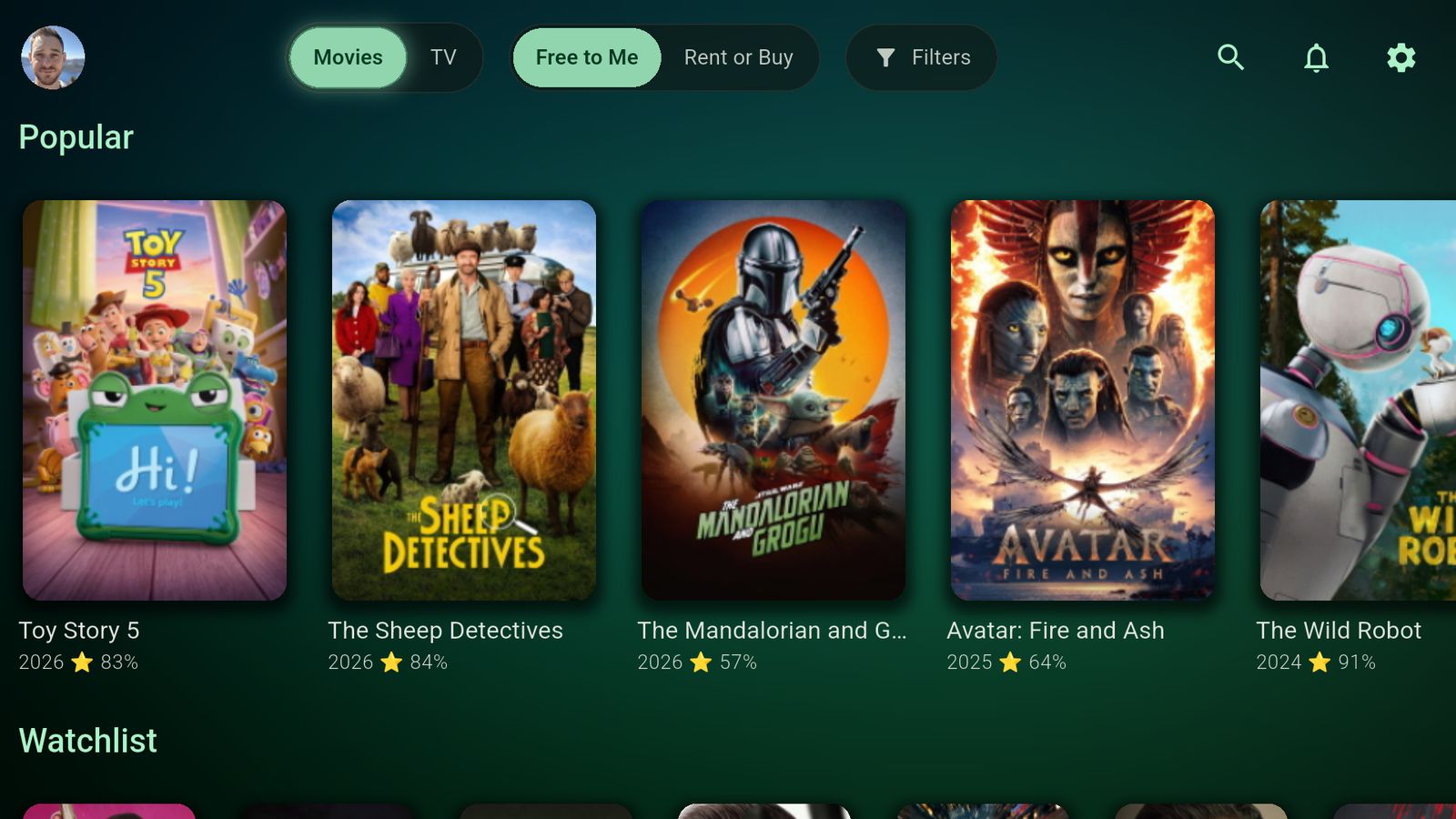
Free on Apple TV, iPhone, iPad, Google TV, Android TV, Android phones and the web.
Why I built it
Five things every other TV screen I owned got wrong.
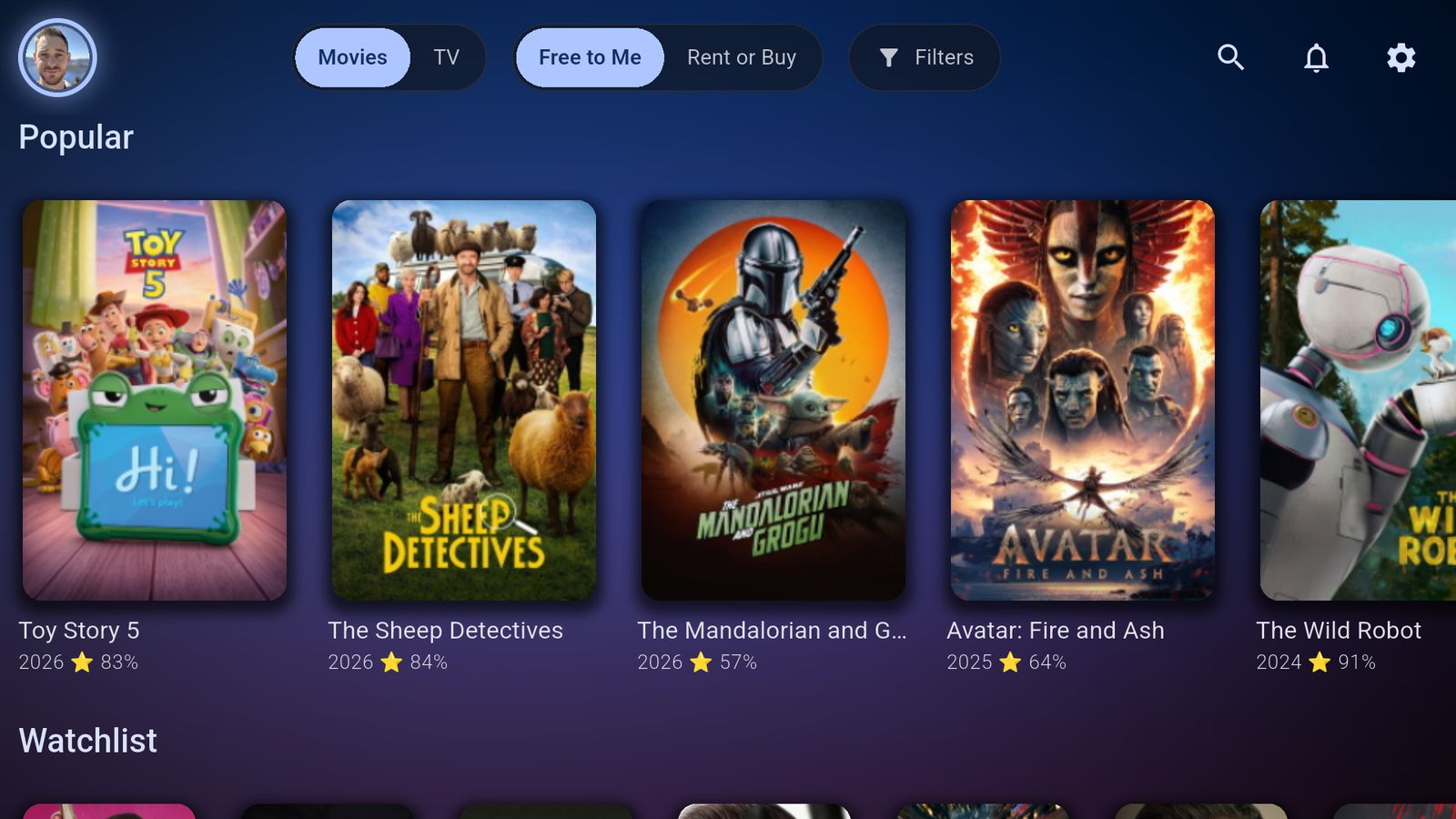
Only show me what I already pay for.
Tick the services you have and every row keeps to what you can watch tonight without paying more.
Read more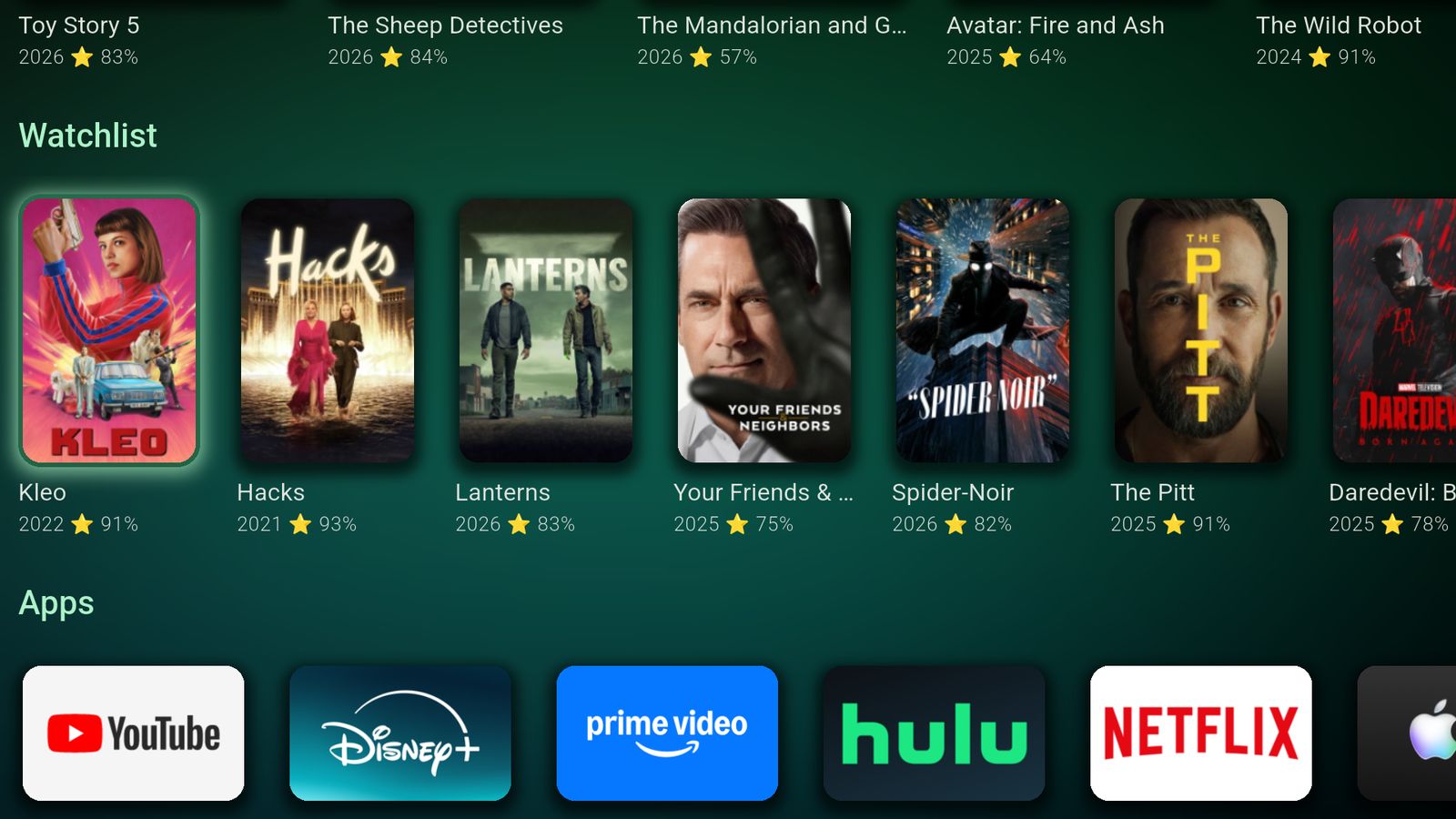
My watchlist used to be a graveyard.
A show hides until its next episode is out, then comes back on its own. Alerts tell you when it does.
Read more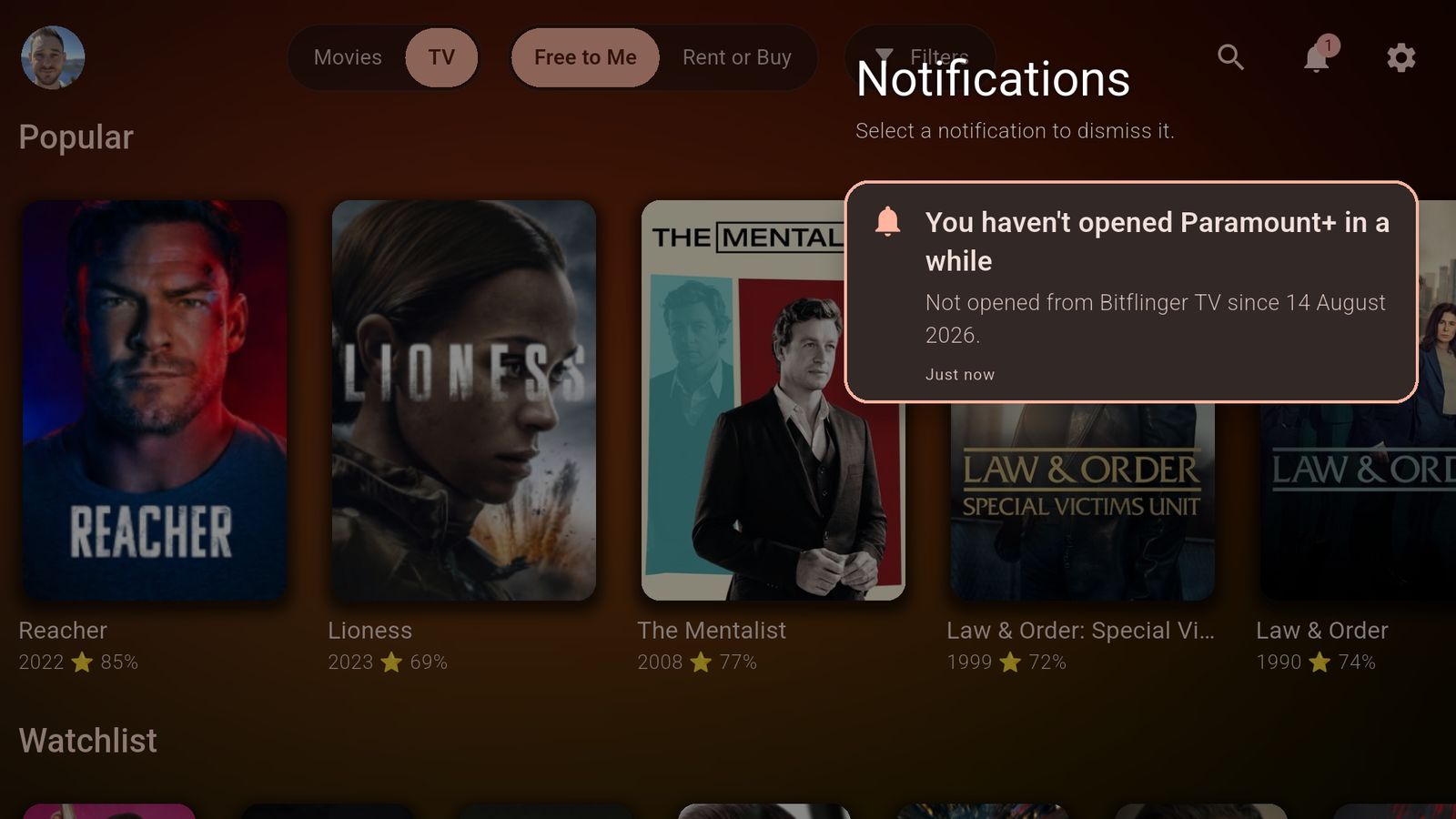
I paid for a service I'd stopped watching.
Once a month, Bitflinger TV asks about the services you haven't opened. It doesn't tell you to cancel.
Read more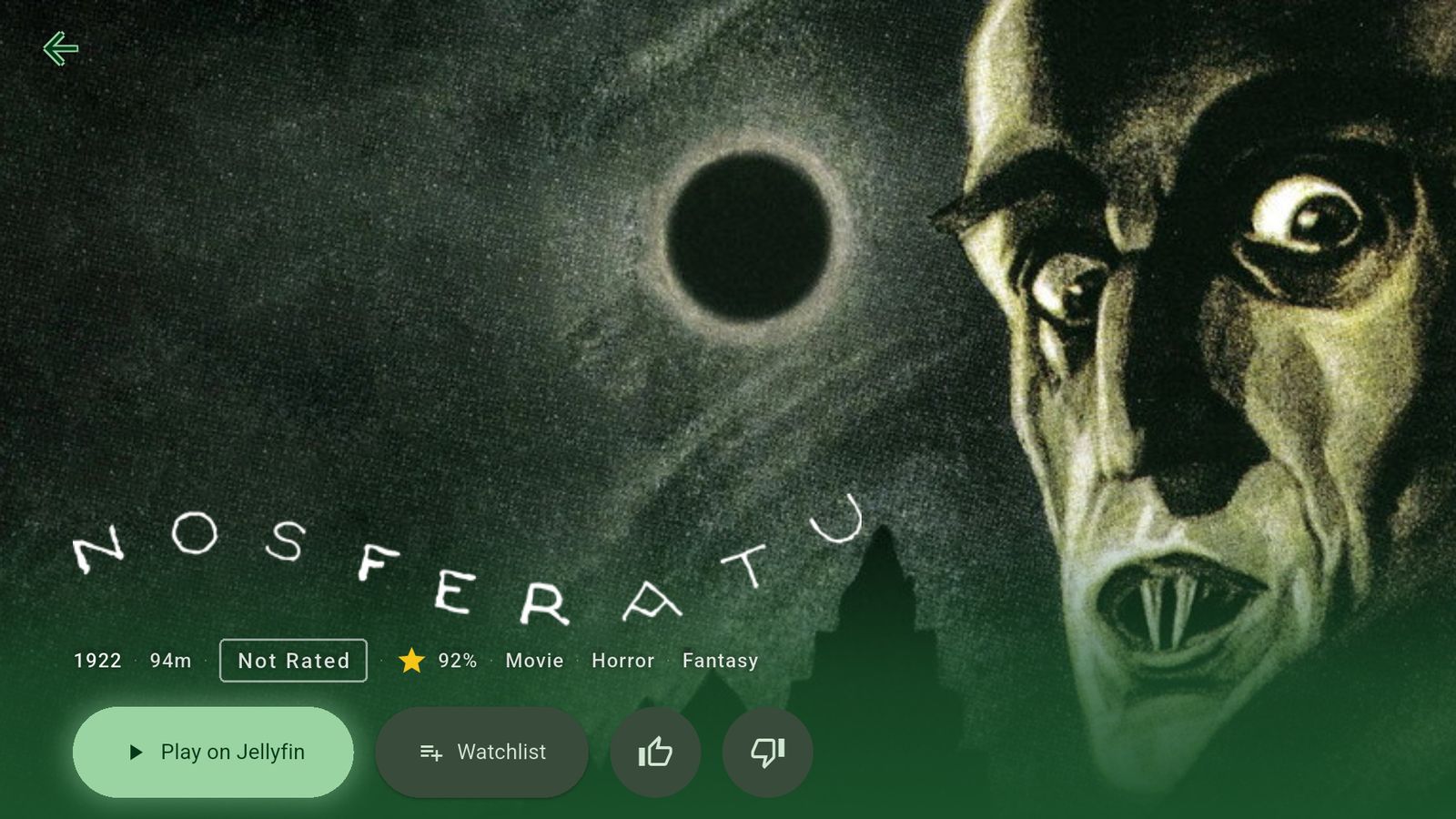
Plex, Jellyfin and streaming. One set of rows.
Your own library sits next to everything else, and Play goes straight to your server. Free, too.
Read more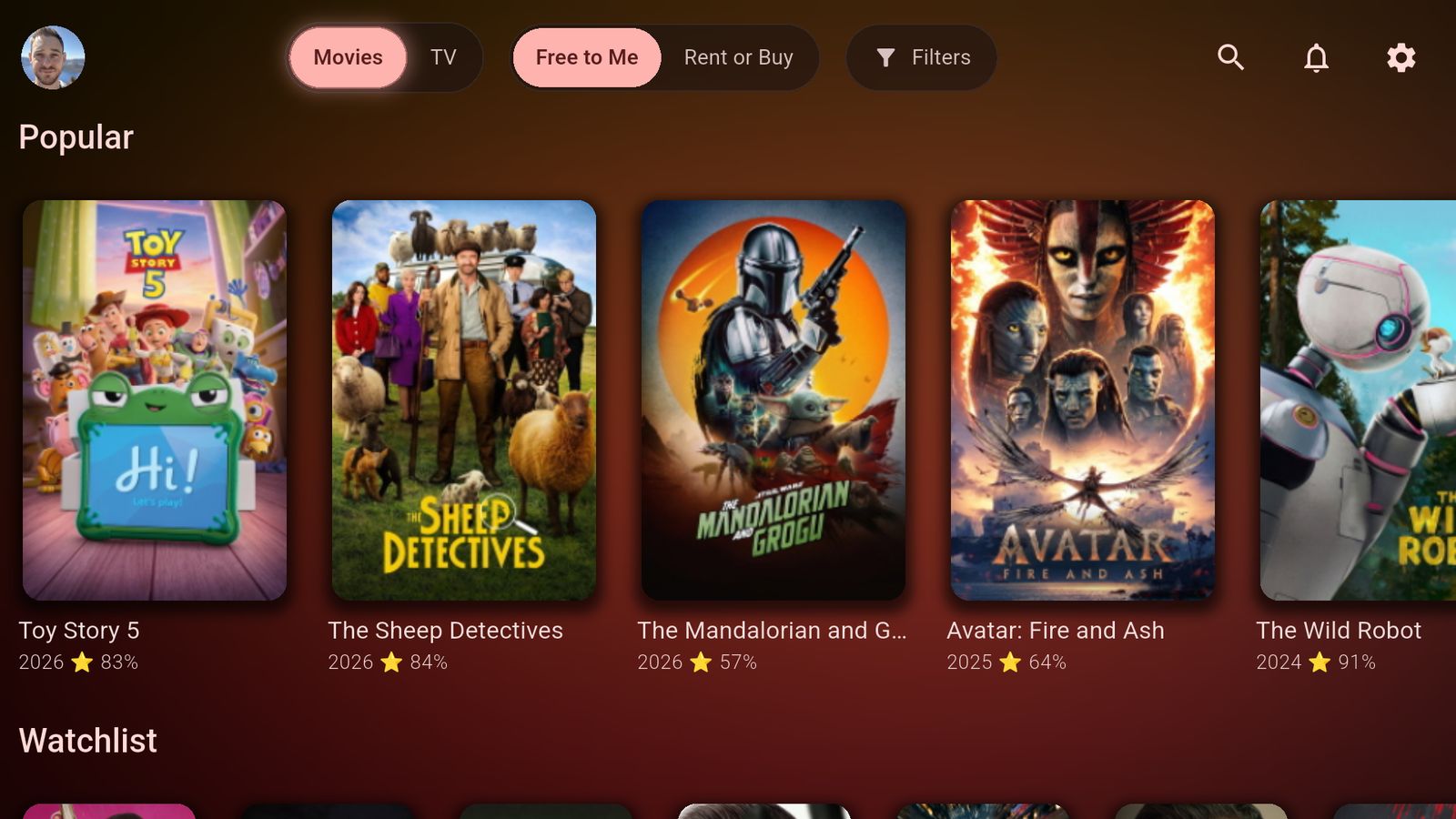
Streaming services can't buy a spot here.
No ads, no sponsored rows, no paid placement. Subscribers keep it going, not advertisers.
Read moreOn the TV, and in your pocket.
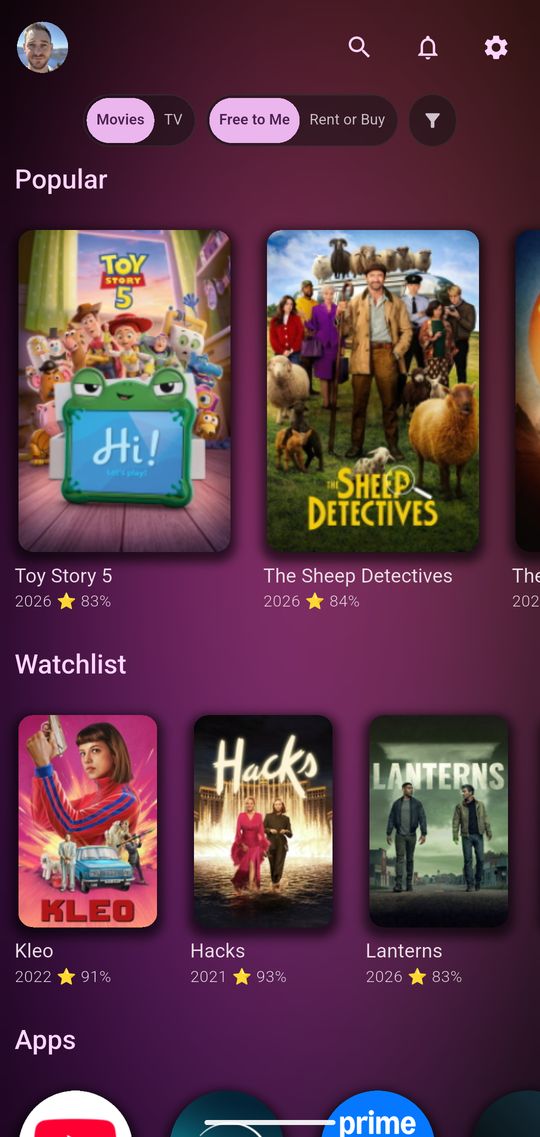
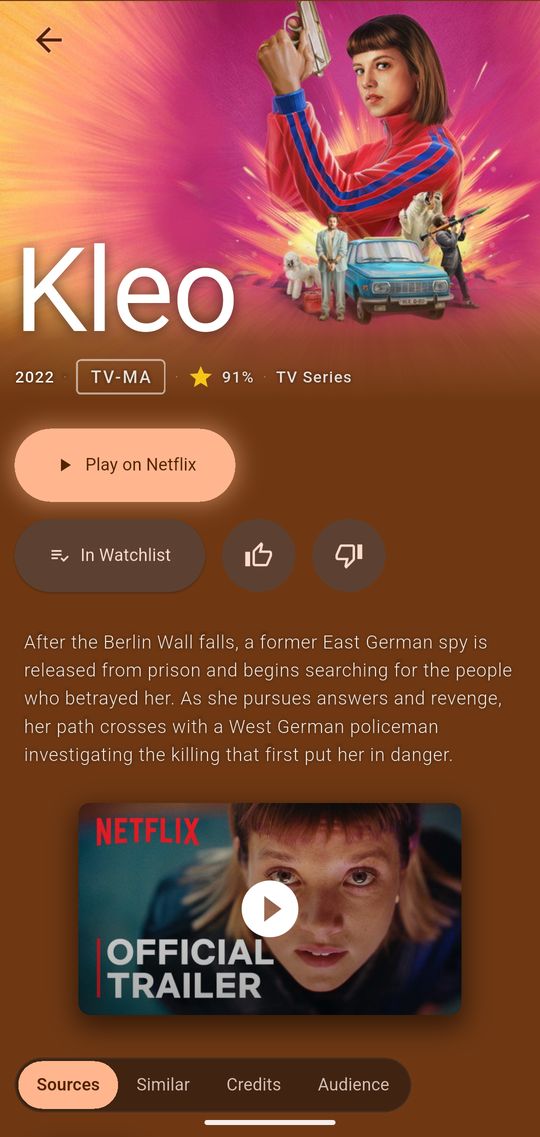
Add something to your watchlist on your phone and it's on the TV by the time you sit down. Your services, filters, watchlist and theme follow you to every device you sign in on.
- Apple TV
- iPhone & iPad
- Google TV
- Android TV
- Android
- Web
And the rest
The smaller things that make an evening easier to pick.
Where Can I Watch This?
Every place a title streams, flagged free, subscription, rent or buy, with prices.
Every Name Is a Door
Select anyone in a cast and see what else they've done, with the role they played.
Your Screen, Your Look
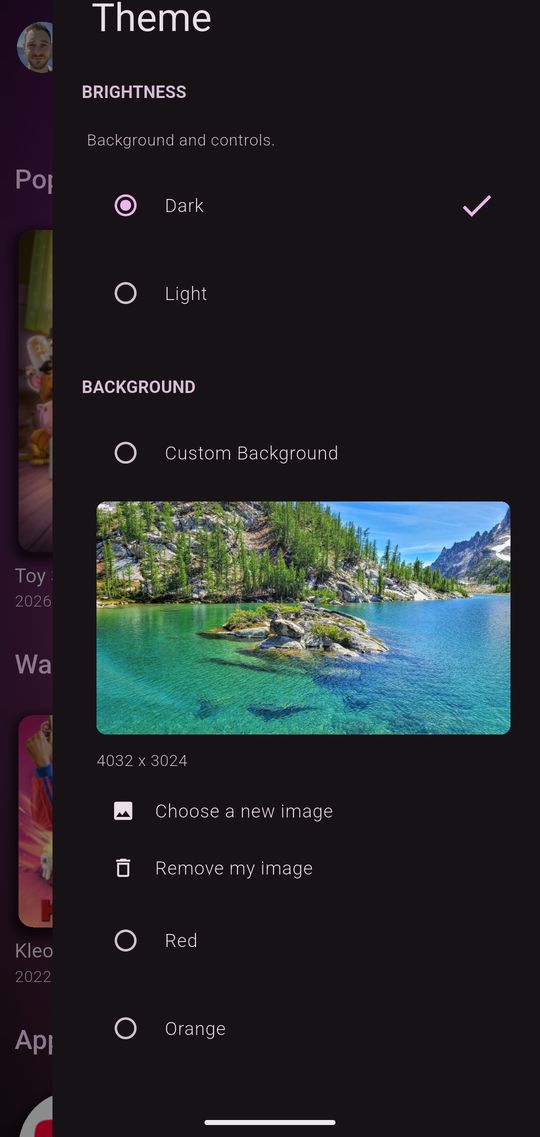
Six colors, light or dark, and row styles. Card styles and your own photo come with a subscription.
Right for the Room
Mix Kids, Family, Teen, Adult and Unrated, and everything else stays out.
Search Everything
One search box across every service you have.
Built-in Trailers
Watch the trailer on the title page before you commit an evening.
The Whole Household
Share a subscription through Apple Family Sharing or Google Family Group, on unlimited devices.
Daily Reels
Fresh rows picked every night from what you watch. Comes with a subscription.
Free or Subscribed
Bitflinger TV is free to use for as long as you like — the real app, not a demo. A subscription lifts the limits and adds the power-user extras.
| Feature | Free$0forever | Subscribed$2.99/moor $23.99/yr |
|---|---|---|
| Genre selection | Yes | Yes |
| Watchlist, search, details | Yes | Yes |
| Plex & Jellyfin | Yes | Yes |
| Personalized streaming services | Yes | Yes |
| Cloud sync | Yes | Yes |
| Theme colors & card labels | Yes | Yes |
| Browsable titles | First 250 per row* | All titles |
| Devices in your household | Up to 3 | Unlimited |
| Daily Reels recommendations | Not included | Yes |
| Filter by critic/user score | Not included | Yes |
| Filter by release date | Not included | Yes |
| Filter by content rating | Not included | Yes |
| Background styles | Not included | Yes |
| Card types and sizes | Not included | Yes |
| Auto-detect installed services | Not included | Yes |
| Apple Family Sharing | Not included | Yes |
| Google Family Group | Not included | Yes |
* What “first 250 per row” means. On the free tier, each row browses the first 250 unfiltered results for that row rather than the entire catalog behind it. That cap is how we keep the free tier viable to run — serving every row in full to every free account is what would force us to charge for the app outright. A subscription removes the cap: every row browses all of its titles.
Subscriptions are billed through the App Store or Google Play, and you’ll see the exact terms before you confirm. Cancel anytime in your App Store or Google Play account settings. Your free account keeps working either way.
The Better Way to Stream
Start free and keep it free for as long as you like — no card, no countdown.
Subscribe whenever you want the full catalog, advanced filters, nightly recommendations, unlimited devices, and family sharing: $2.99/month or $23.99/year.
See what each tier includes
No hidden fees and no ads. We never sell subscriber data — how we handle data on each tier.