Plex, Jellyfin and streaming. One set of rows.
If you run a Plex or Jellyfin server at home, Bitflinger TV puts your library in the same rows as your streaming services.
No more switching apps to check whether you already have something. Play goes straight to your server, and it's free, too.
Get it free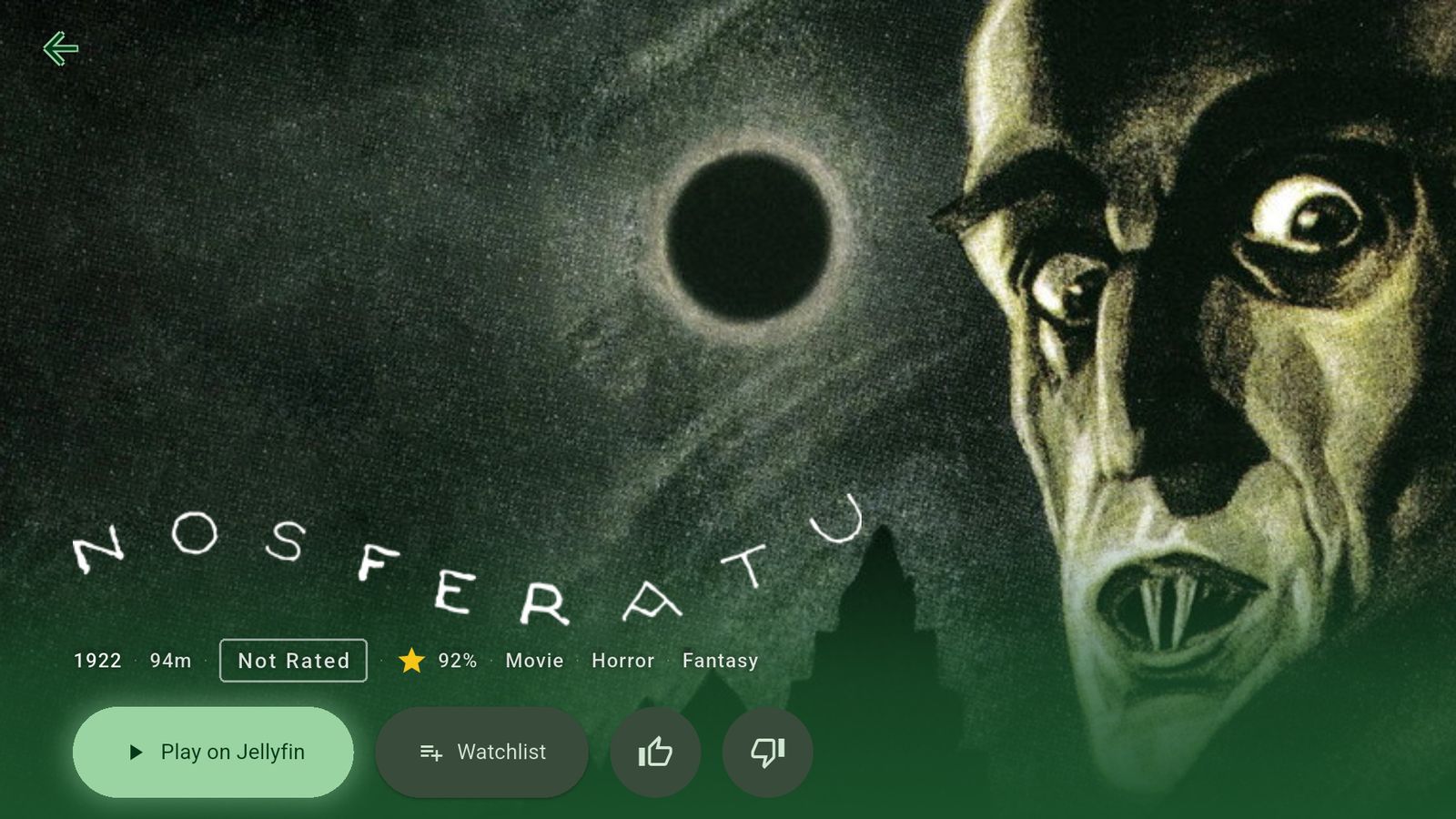
Setting it up
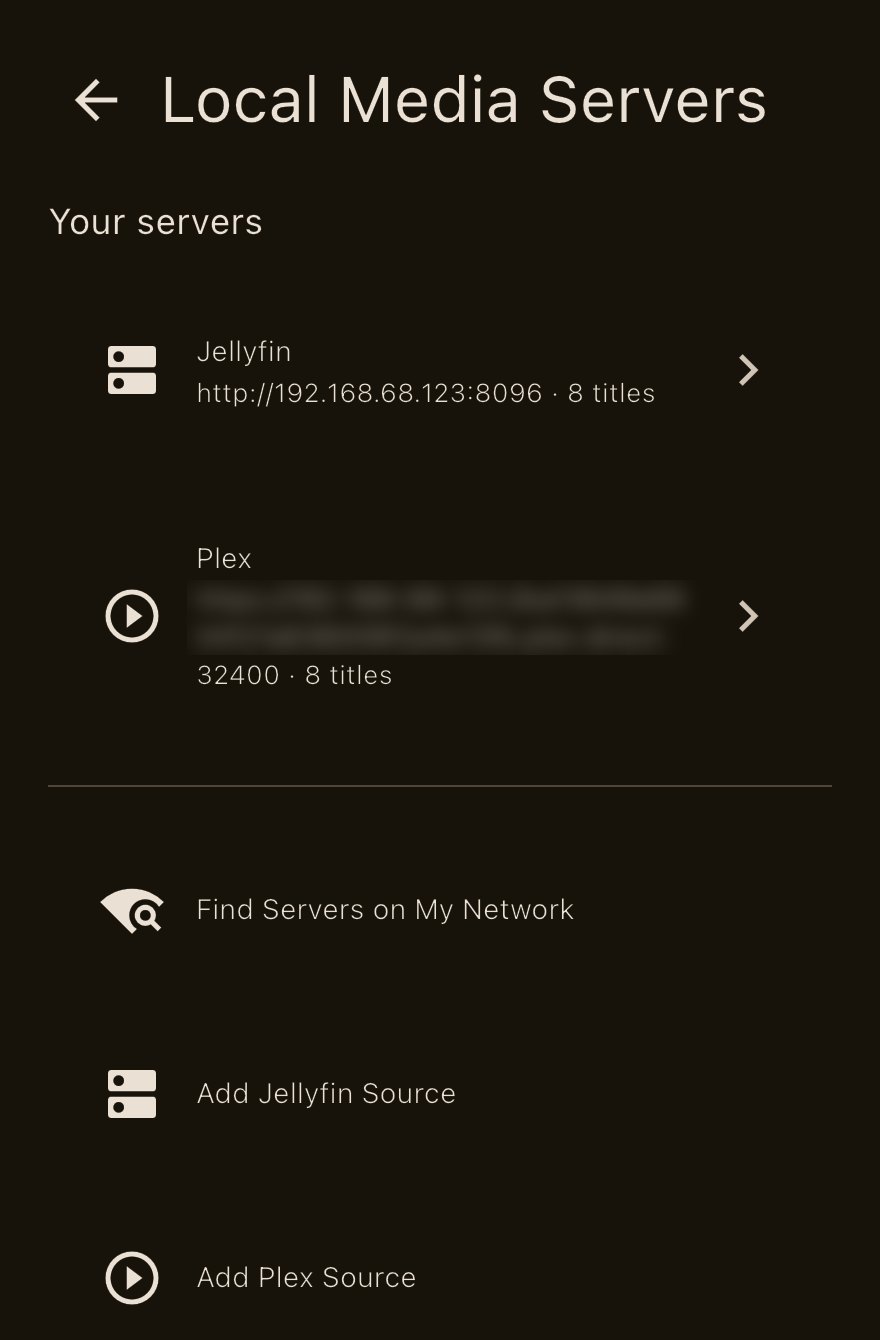
Find your server
Settings → Local Media Servers starts looking on your network as soon as you open it, and anything it finds shows up under Suggestions. Set it up on a device on the same Wi-Fi as your server.
Sign in
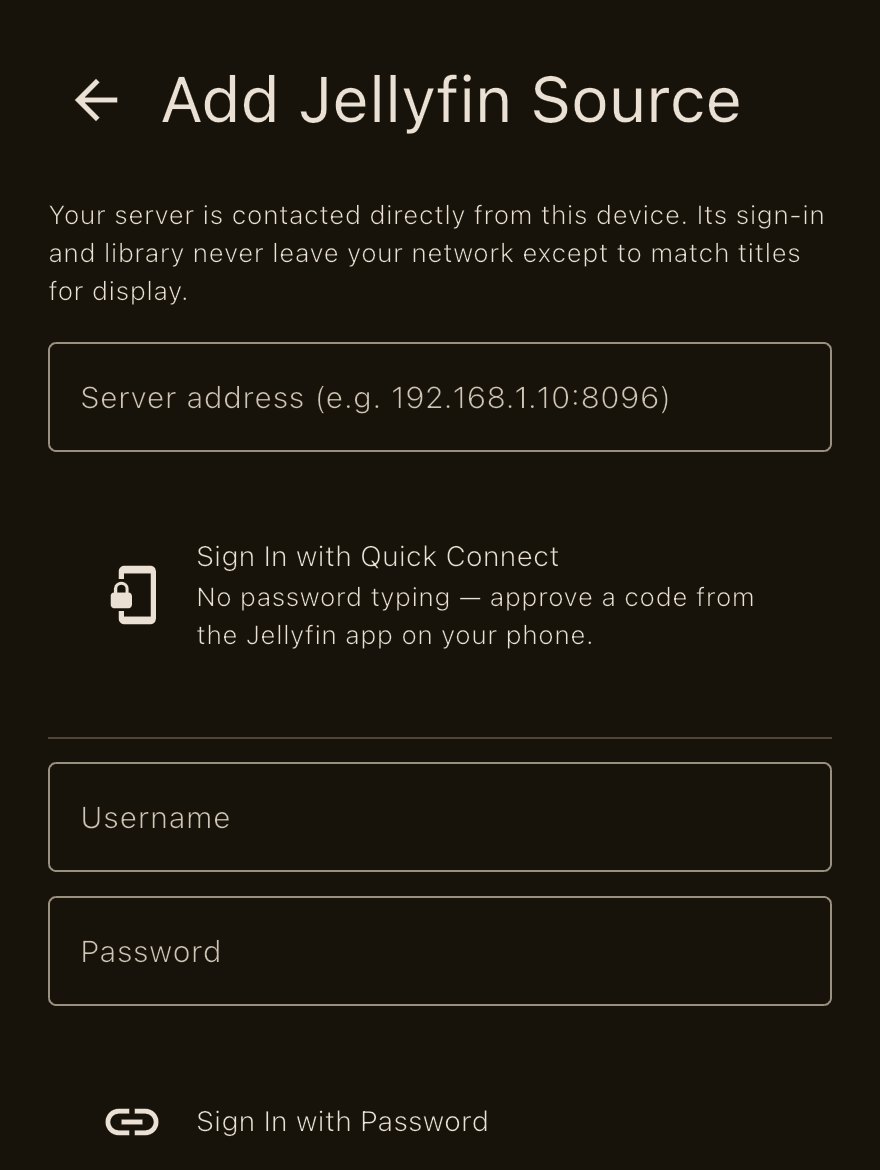
Jellyfin: select your server (or type its address) and sign in with Quick Connect or your username and password.
Plex: choose Add Plex Source, then Get Link Code, and enter the code at plex.tv/link on your phone.
That's it
Bitflinger TV syncs your library, and your titles show up alongside everything else. Open one and Play goes straight to your server, with your streaming services listed after it.
A server you connect is remembered on your account, so your other devices offer it and you only sign in there.
The films in these screenshots are in the public domain.
Plex and Jellyfin work on the free version. No subscription needed.
More of why I built it
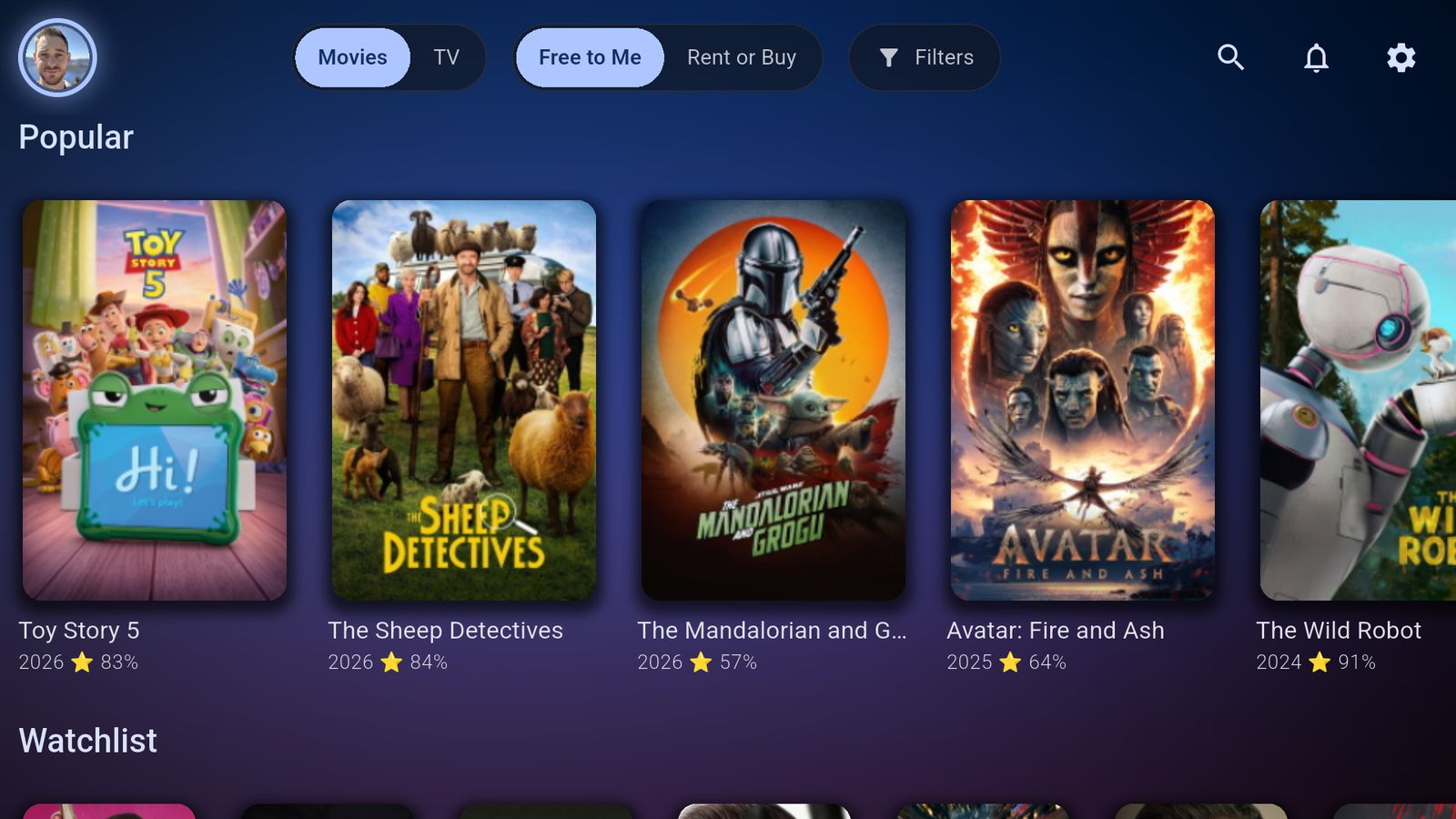
Only show me what I already pay for.
Tick the services you have and every row keeps to what you can watch tonight.
Read more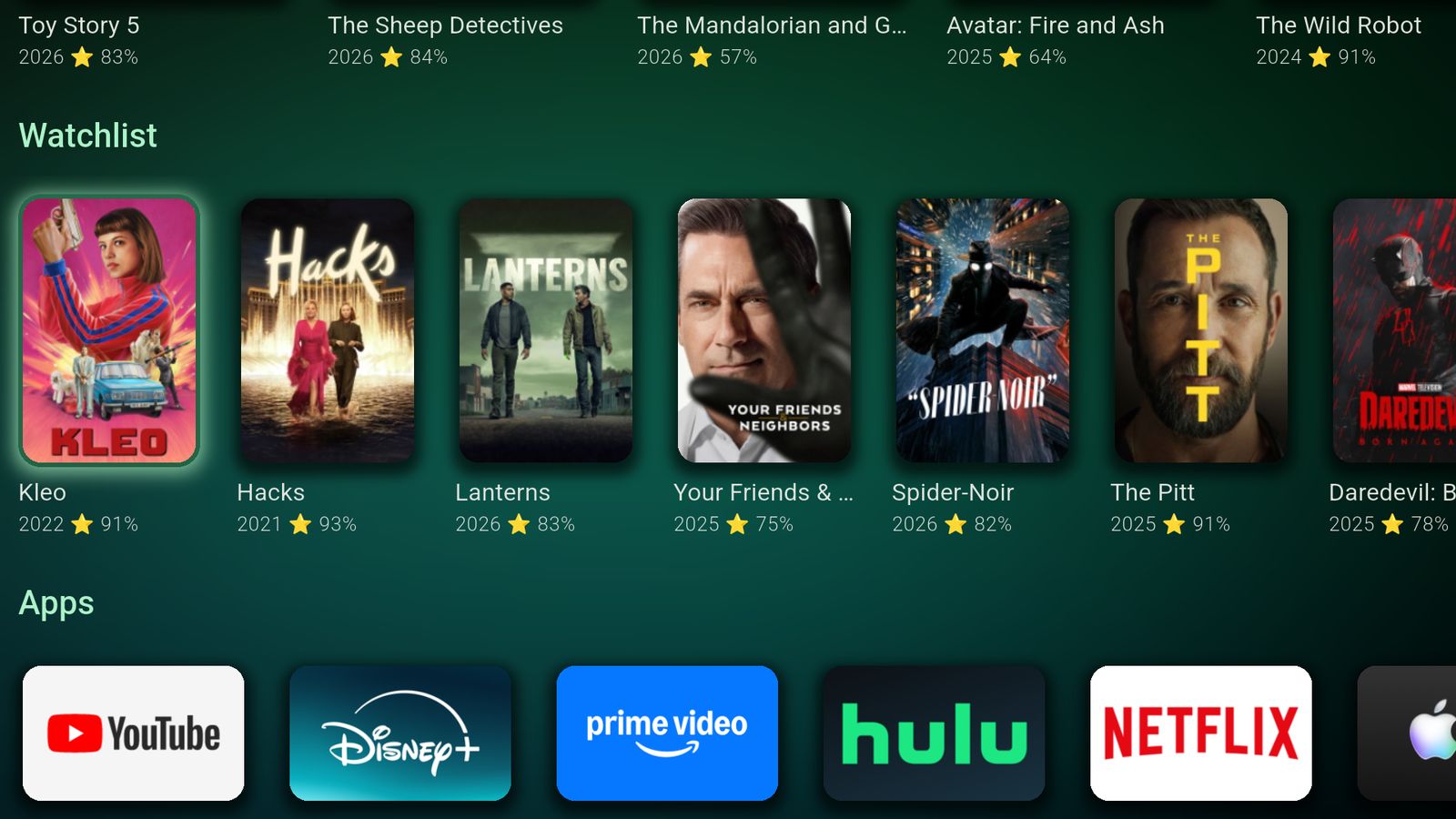
My watchlist used to be a graveyard.
A show hides until its next episode is out, then comes back on its own.
Read more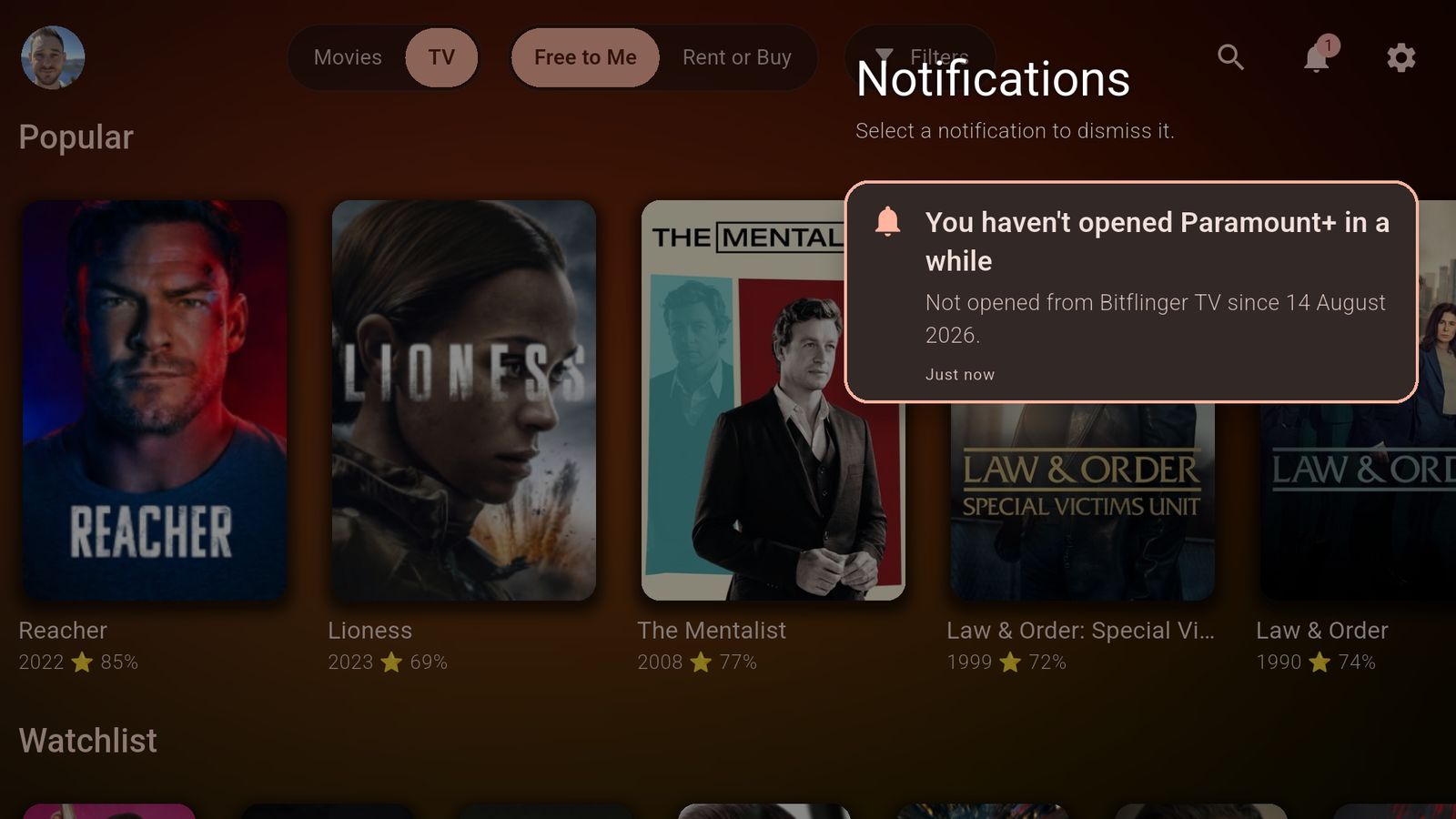
I paid for a service I'd stopped watching.
Once a month it asks about the services you haven't opened.
Read more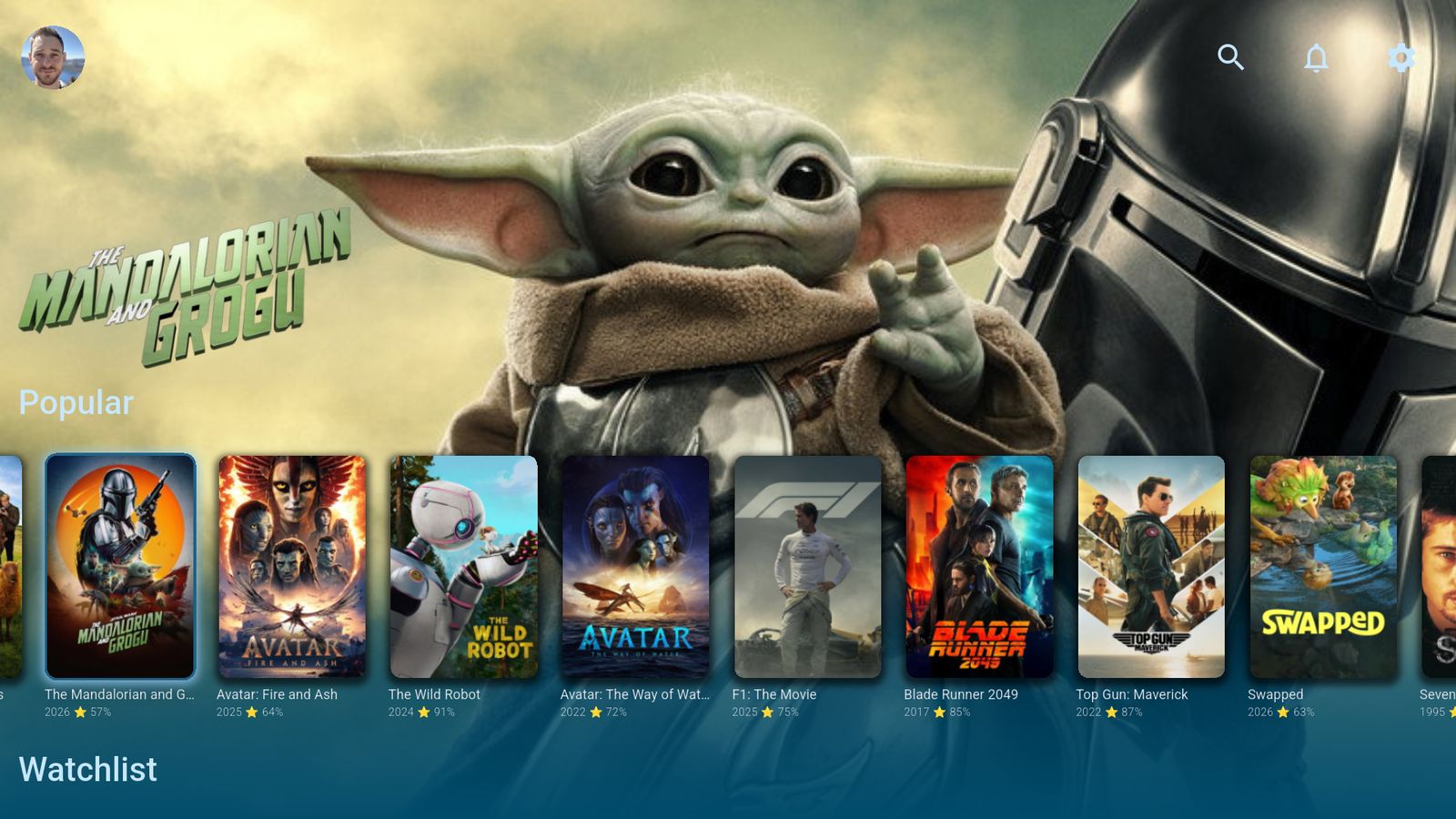
Streaming services can't buy a spot here.
No ads, no paid placement, no finger on the scale.
Read moreTry it tonight. It's free.
Free on Apple TV, iPhone, iPad, Google TV, Android TV, Android phones and the web.
No card, no countdown. What a subscription adds